What are Nereva’s different environments?
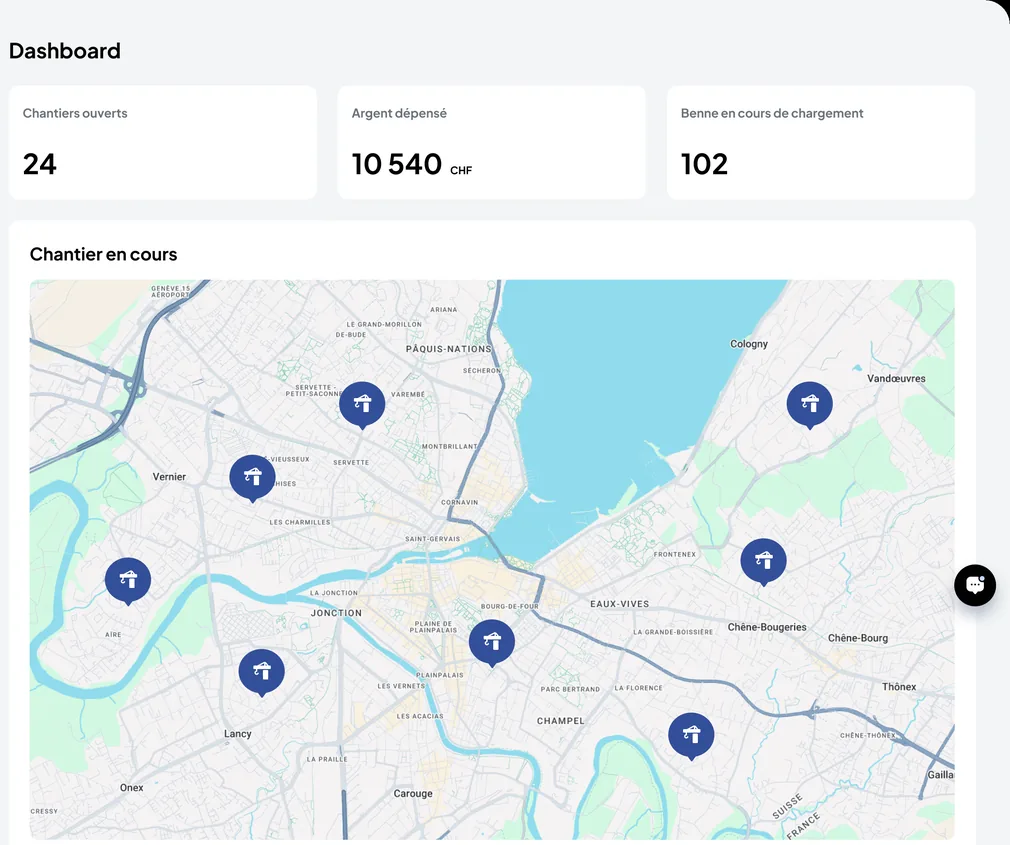
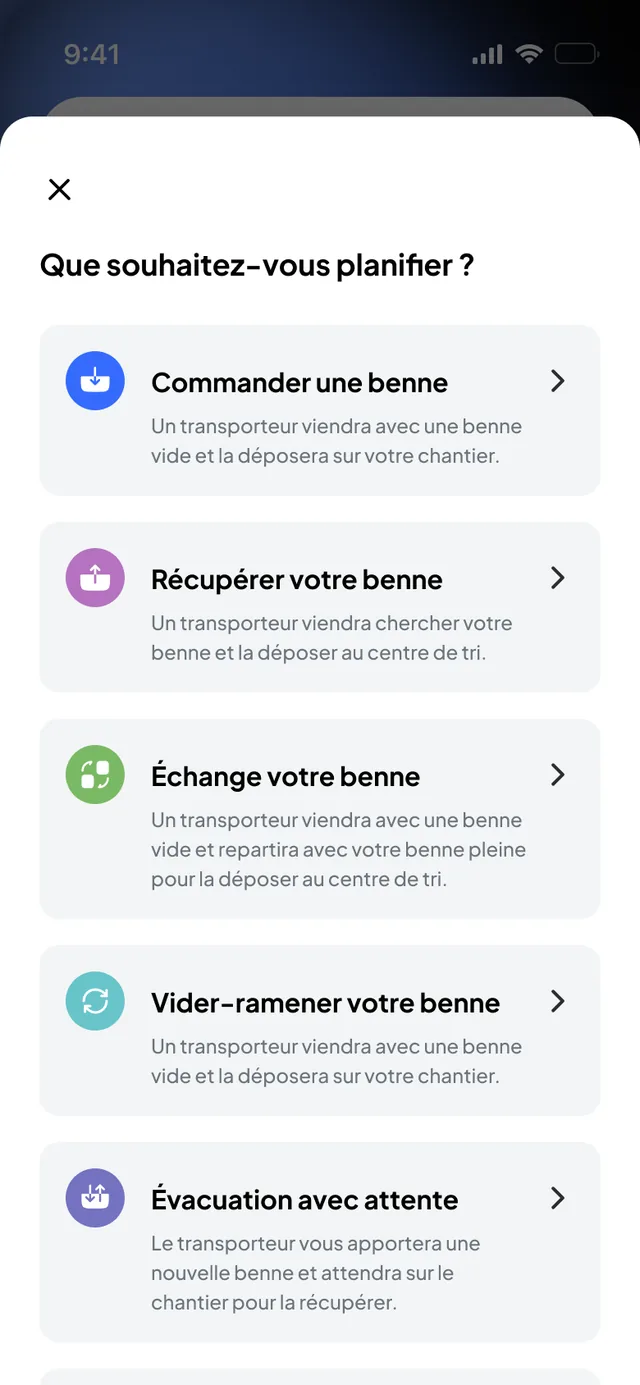
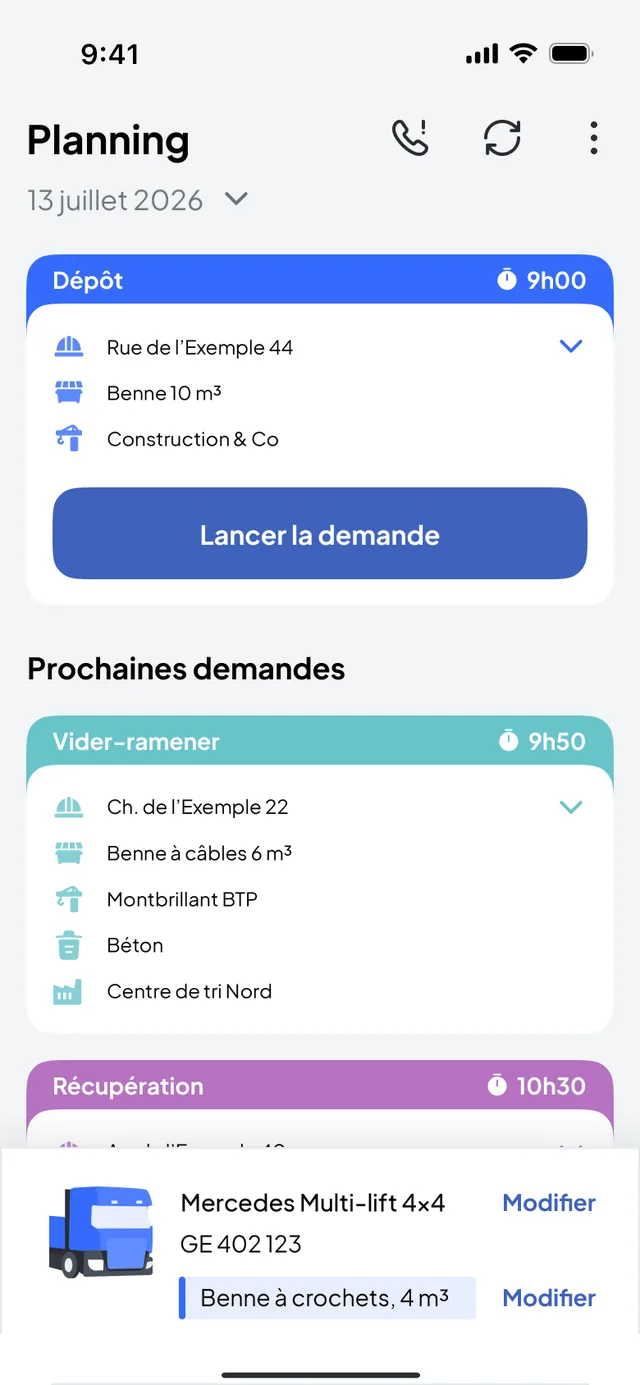
Four: the transport back office and the driver app (Nereva Transports) for transport companies; the construction back office and the site app (Nereva Commandes) for construction companies. Each company has its own account and users.
How does information flow?
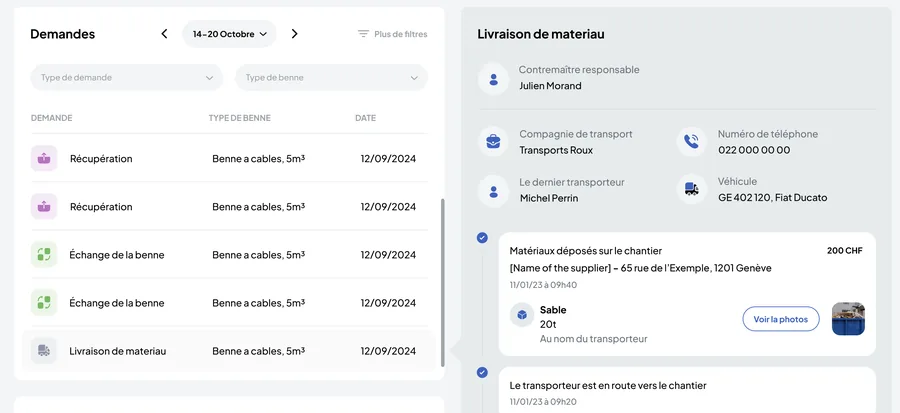
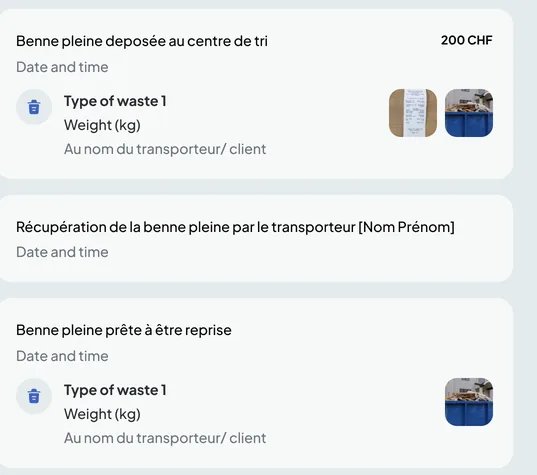
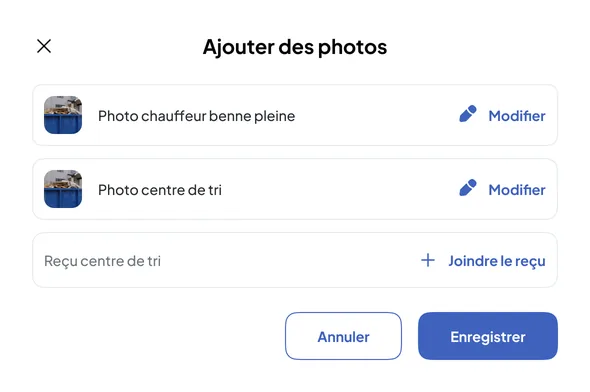
The site creates a request; it lands in the carrier’s schedule, which assigns it to a truck and a driver; the driver carries it out and takes the photos; the request becomes completed on both sides; the invoice is built from the executed requests. One piece of data, from start to finish.
What is the back office for?
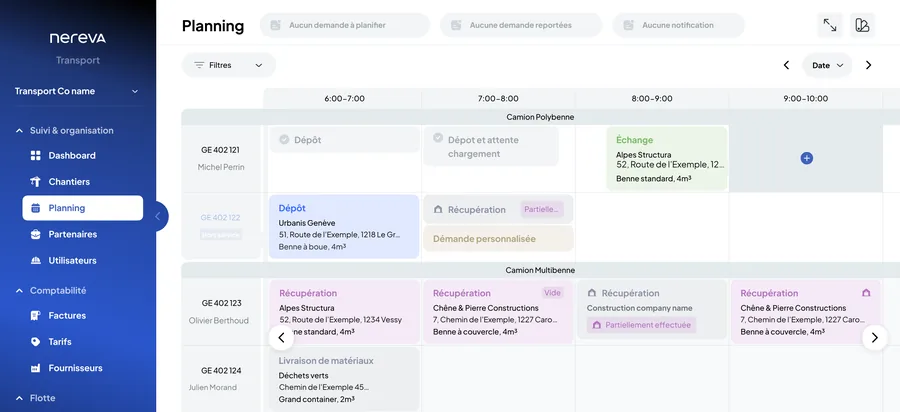
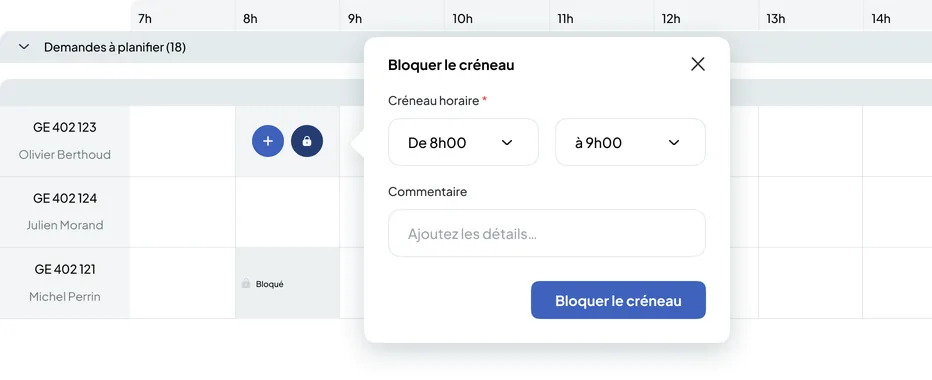
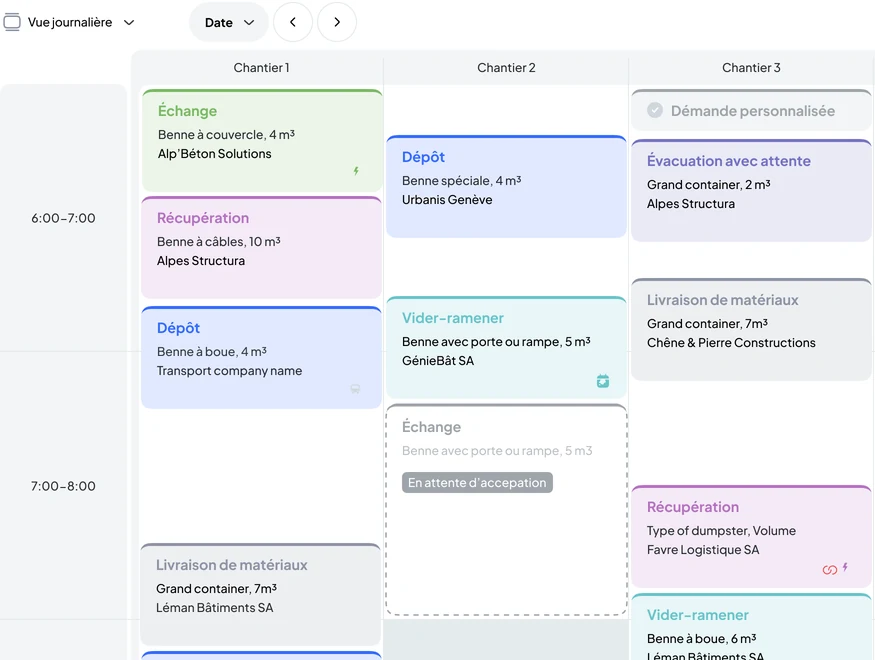
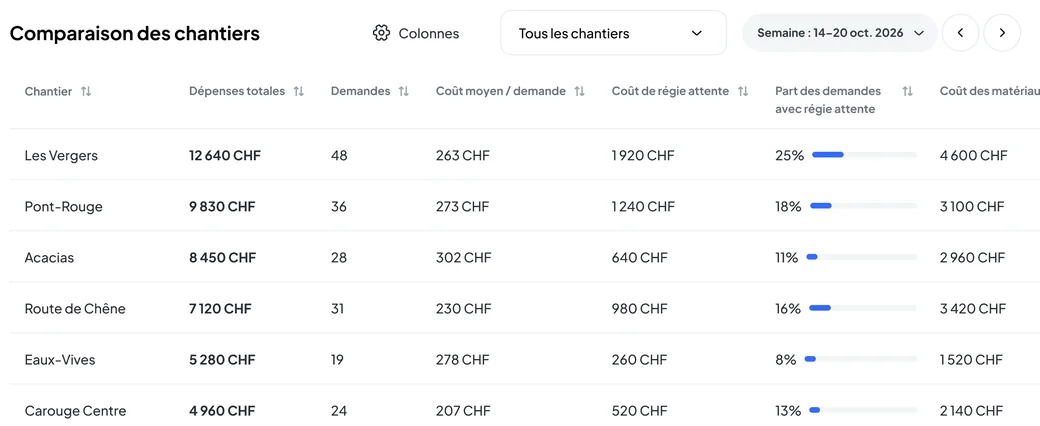
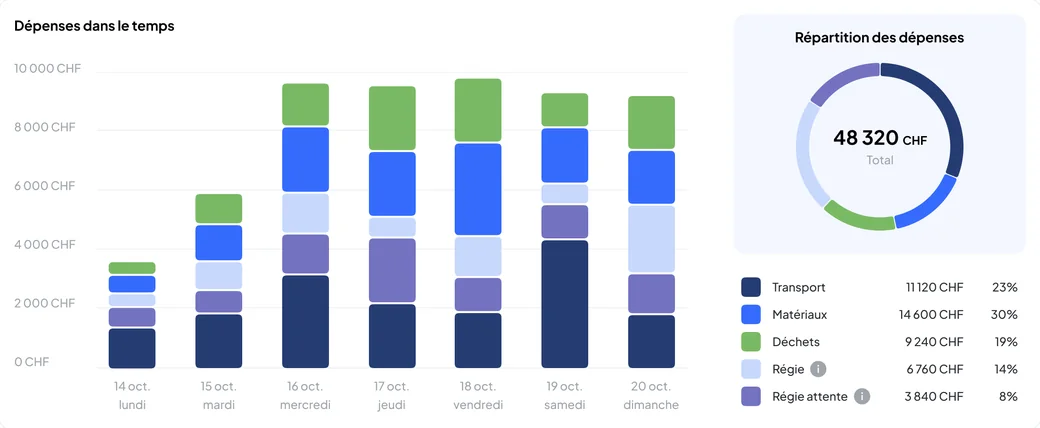
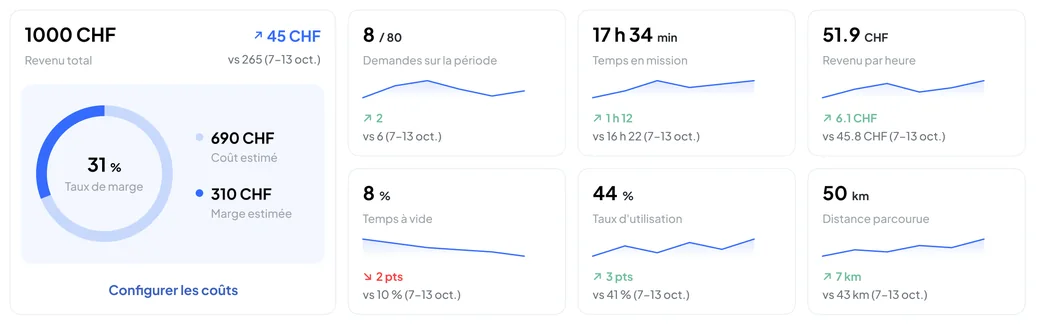
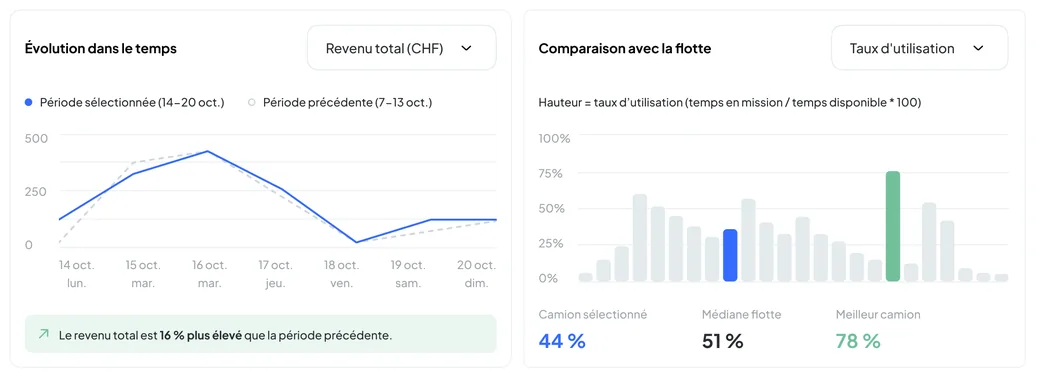
It is the company’s web workspace, from a browser. Transport side: schedule, fleet, skip fleet, partners, invoices. Construction side: sites, requests, schedule, invoices received. Nothing to install.
What are the mobile apps for?
Nereva Transports gives the driver their day, the guidance and the evidence to produce. Nereva Commandes lets the site request a transport, see the skips present and follow its requests. Both on the App Store and Google Play.
What is synchronisation?
When a construction company and its carrier are both on Nereva, the request, the schedule and the execution are the same information, seen from both sides according to roles and permissions. The site sees its truck coming, the carrier receives clear requests, nobody needs to call back.
Do both companies have to be on Nereva?
Not for the carrier: it uses Nereva on its own as a TMS and enters the requests received by phone. On the construction side, the flow needs a connected partner carrier to be carried out: the company invites its carriers step by step. Synchronisation is added when both are connected.
How do roles and permissions work?
Each user gets a role and permissions: who can order, validate, schedule, view invoices. The administrators you appoint manage them from the back office and adjust them at any time.
Does Nereva come between the companies?
No. Nereva introduces nobody, takes no commission and does not touch prices. It connects companies that already work together, each with its own account and terms.